Ad blockers and reverse proxies: managed proxy, Next.js rewrites and Cloudflare
Ad blockers stop PostHog's requests in many visitors' browsers, so sending events through your own domain gets you more complete data.
Ad blockers keep lists of known analytics domains and block requests to them. A reverse proxy sends PostHog's requests through your own subdomain, like e.yourdomain.com, which those lists don't know. PostHog's docs say this typically increases event capture by 10–30%, depending on your user base.
Pick one option below. If you're not sure, use PostHog's managed proxy: it's the simplest option. PostHog can't help troubleshoot a proxy you host yourself (options B and C).
Is it an ad blocker?
Turn on your ad blocker, open the browser's Network tab and load your site. Requests to
us.i.posthog.comoreu.i.posthog.comfail or show as blocked.Turn the ad blocker off and reload the page.
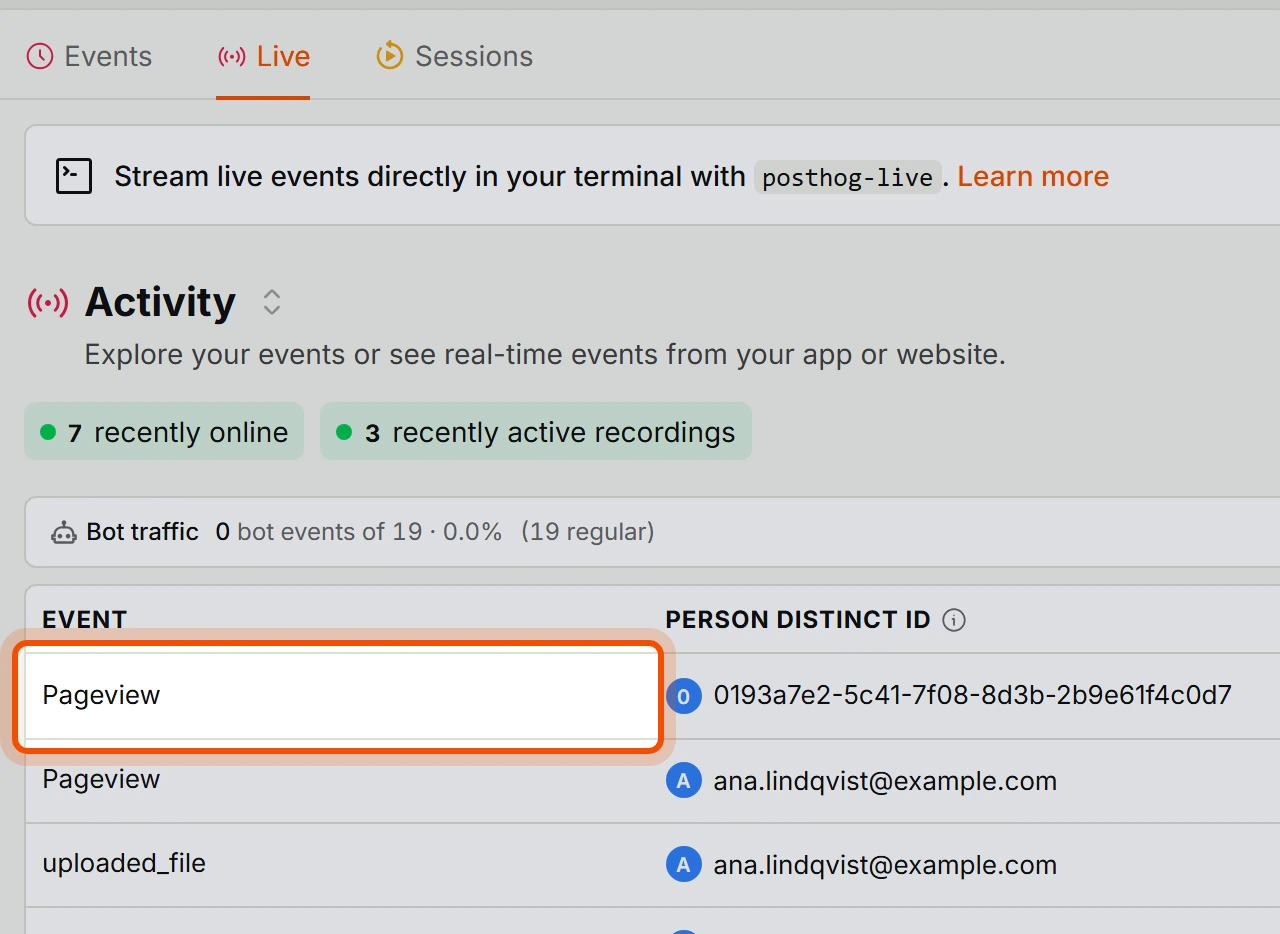
In PostHog, look at the Live tab in Activity. If your events arrive now, an ad blocker was stopping them.
Option A: PostHog's managed proxy
PostHog runs the proxy on a subdomain of your site and sets up the SSL certificate for you. You need PostHog Cloud, organization admin access and access to your domain's DNS settings.
The managed proxy routes your traffic through Cloudflare, which processes the data for PostHog. It is not HIPAA-compliant, so don't use it with Protected Health Information (PHI).
Choose a neutral subdomain. Don't use words like analytics, tracking, telemetry, posthog or ph: ad blockers target them, and the proxy won't help if your domain is blocked. If your domain contains one of these words, PostHog warns you that it may be blocked by ad-blockers before it adds it.
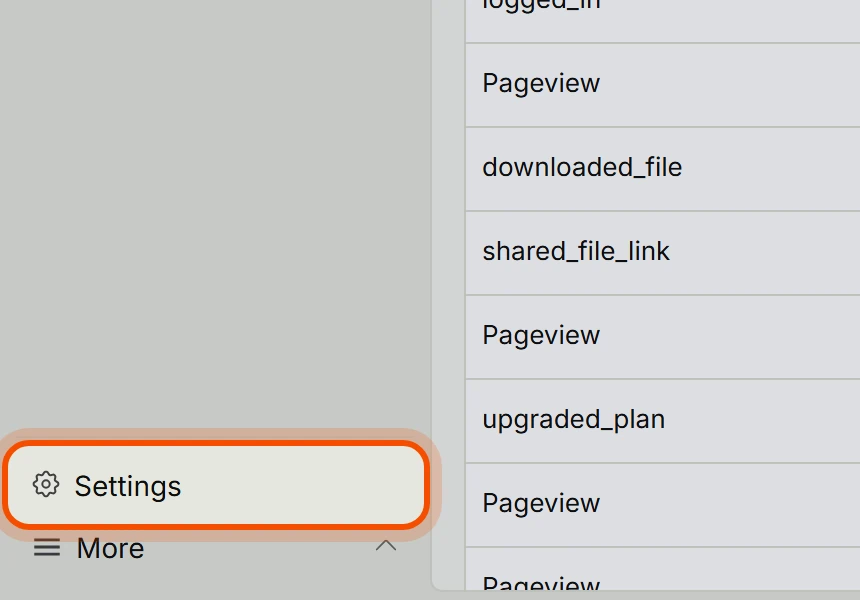
Click Settings at the bottom of the left navigation.
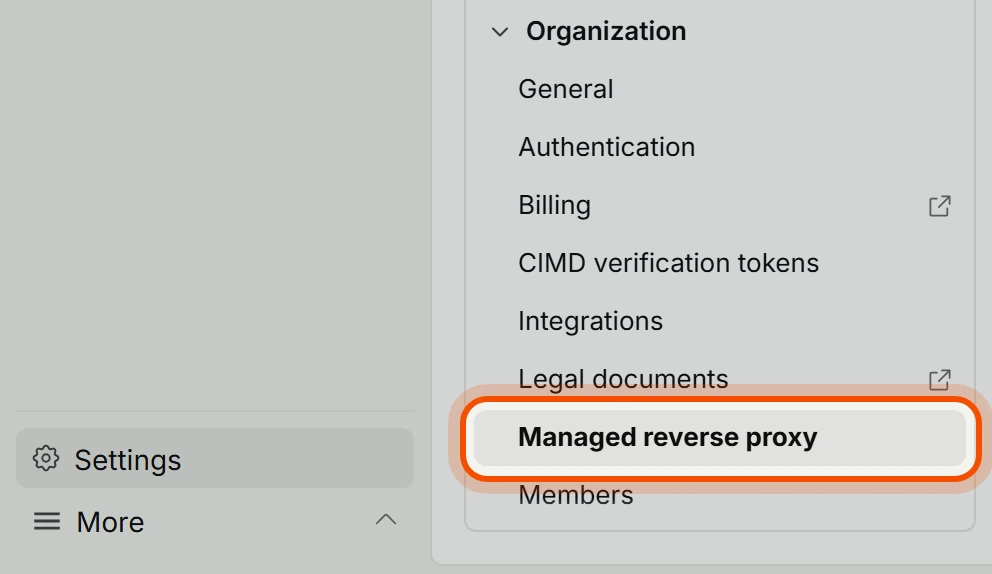
Under Organization, click Managed reverse proxy.
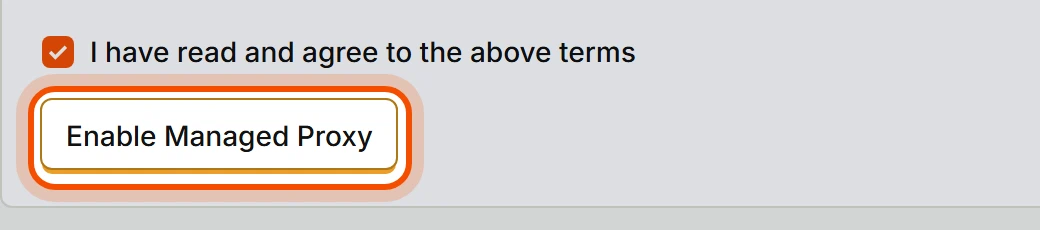
If you see the Enable Managed Proxy terms, tick I have read and agree to the above terms and click Enable Managed Proxy. These terms appear only the first time.
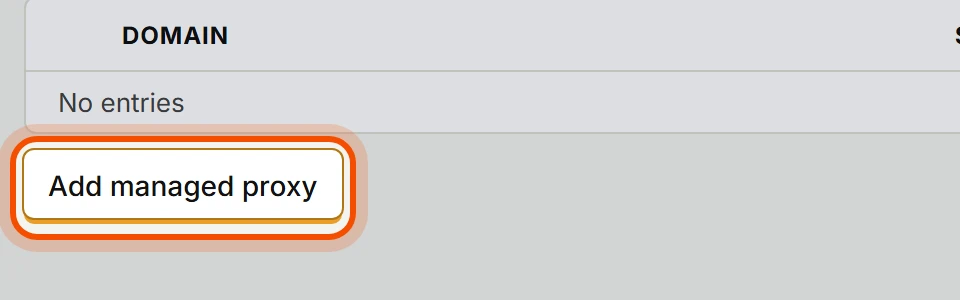
Click Add managed proxy.
In Domain, enter a subdomain of your site, for example
e.hedgebox.net. Leave outhttps://. The field may already suggest a subdomain based on your email domain.
Click Add.
Copy the CNAME target from the Almost there box.
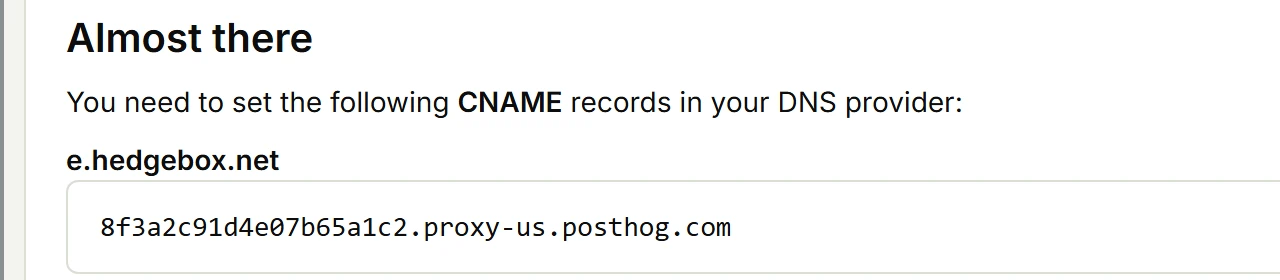
At your DNS provider, create a CNAME record. Set the Name to the subdomain part only, for example
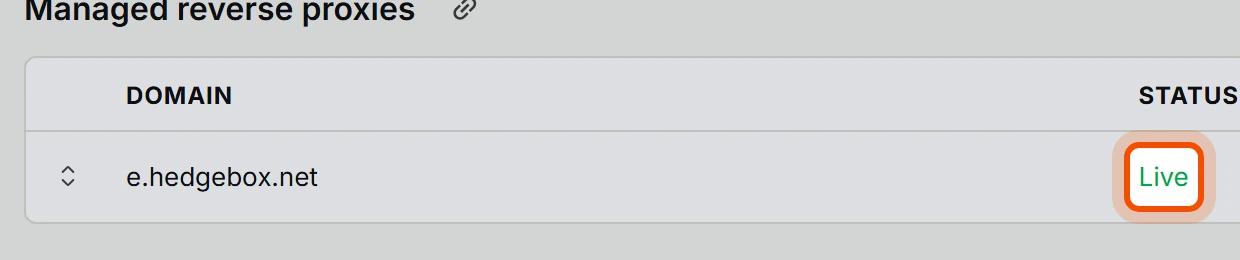
e, and the Target to the value you copied. If your DNS is on Cloudflare, turn Cloudflare's proxy off for this record (grey cloud, not orange).Wait for the status to change to Live. It goes from Waiting to Issuing to Live, usually within 2–5 minutes, and up to 30 minutes if DNS is slow. The page checks again by itself.
An organization can have up to 2 proxy records by default. When it has reached its limit, a banner replaces the Add managed proxy button. Only organization admins can add, retry or delete a proxy. Other members can see the page, but they can't add proxies or open a record's … menu.
When the proxy is live, point the SDK at your subdomain (see "Point the SDK at it").
Option B: Next.js rewrites
Use this if your app runs on Next.js, for example on Vercel. Rewrites work best on Vercel or when you host Next.js yourself.
Open
next.config.jsin your project root.Add the rewrites and
skipTrailingSlashRedirect:```js // next.config.js const nextConfig = { async rewrites() { return [ { source: '/yourpath/static/:path', destination: 'https://us-assets.i.posthog.com/static/:path', }, { source: '/yourpath/array/:path', destination: 'https://us-assets.i.posthog.com/array/:path', }, { source: '/yourpath/:path', destination: 'https://us.i.posthog.com/:path', }, ] }, skipTrailingSlashRedirect: true, }
module.exports = nextConfig ```
Replace
/yourpathwith a path that's unique to your app. Don't use/analytics,/tracking,/telemetryor/posthog: blockers catch them. For the EU region, replaceuswitheu. Keep the static and array rules before the catch-all.Restart your dev server, then deploy. Next.js doesn't hot-reload config changes.
If your app has a middleware file (common with next-intl, NextAuth or your own logic), its matcher can catch the proxy path before the rewrite runs. Events, feature flags and recordings then never reach PostHog, while the SDK script still loads, so PostHog looks connected. Add your proxy path to the matcher:
``js export const config = { matcher: ['/((?!api|yourpath|_next|_vercel|.*\\..*).*)'], } ``
As of PostHog's docs of 31 Oct 2026: in Next.js 16 the middleware file is proxy.ts. In Next.js 15 or earlier it is middleware.ts.
Option C: Cloudflare
Cloudflare offers two ways to proxy PostHog: Cloudflare Workers, which works on any Cloudflare plan, or DNS and Page Rules, which needs a Cloudflare Enterprise plan. These steps use Workers. Your domain must be managed by Cloudflare.
In your Cloudflare dashboard, create a new Worker.
Replace the Worker's default code with this:
```javascript const API_HOST = "us.i.posthog.com" const ASSET_HOST = "us-assets.i.posthog.com"
async function handleRequest(request, ctx) { const url = new URL(request.url) const pathname = url.pathname const search = url.search const pathWithParams = pathname + search
if (pathname.startsWith("/static/") || pathname.startsWith("/array/")) { return retrieveAsset(request, pathWithParams, ctx) } else { return forwardRequest(request, pathWithParams) } }
async function retrieveAsset(request, pathname, ctx) { let response = await caches.default.match(request) if (!response) { response = await fetch(
https://${ASSET_HOST}${pathname}) ctx.waitUntil(caches.default.put(request, response.clone())) } return response }async function forwardRequest(request, pathWithSearch) { const ip = request.headers.get("CF-Connecting-IP") || "" const originHeaders = new Headers(request.headers) originHeaders.delete("cookie") // Forward the SDK's project token (Bearer phc_...), which capture v1 needs. Strip any other credentials. // If your project token doesn't start with phc_, match exactly 'Bearer <your project token>' instead. if (!originHeaders.get("authorization")?.startsWith("Bearer phc_")) { originHeaders.delete("authorization") } originHeaders.set("X-Forwarded-For", ip)
const originRequest = new Request(
https://${API_HOST}${pathWithSearch}, { method: request.method, headers: originHeaders, body: request.method !== "GET" && request.method !== "HEAD" ? await request.arrayBuffer() : null, redirect: request.redirect })return await fetch(originRequest) }
export default { async fetch(request, env, ctx) { return handleRequest(request, ctx); } }; ```
For the EU region, use
eu.i.posthog.comandeu-assets.i.posthog.com.Add a custom domain to the Worker, for example
e.yourdomain.com. Ad blockers recognize and block the default*.workers.devdomain. Avoidtracking,analytics,posthog,telemetryorphin the subdomain.
As of PostHog's docs of 31 Oct 2026, the Worker forwards an Authorization header only when it starts with Bearer phc_, because capture v1 SDKs send the project token there. If your project token doesn't start with phc_, change that check to match exactly Bearer <your project token>.
Point the SDK at it
Set api_host to your proxy and ui_host to PostHog's own domain: https://us.posthog.com, or https://eu.posthog.com for the EU region. Always set both, so features like the toolbar work correctly.
For the managed proxy or Cloudflare, use your subdomain:
``js posthog.init('<ph_project_token>', { api_host: 'https://e.yourdomain.com', ui_host: 'https://us.posthog.com' }) ``
For Next.js rewrites, use your path:
``js posthog.init(process.env.NEXT_PUBLIC_POSTHOG_PROJECT_TOKEN, { api_host: '/yourpath', ui_host: 'https://us.posthog.com' }) ``
Check it in PostHog
Open your site with the browser's Network tab open, and load a page. Look for a request to your proxy subdomain or path that returns
200 OK.Turn on your ad blocker and reload the page.
In PostHog, open the Live tab in Activity. Your events arrive even with the ad blocker on.
Common problems
The managed proxy stays at Waiting
PostHog hasn't found your CNAME record yet ("Waiting for DNS records to be created"). Check that the Name is only the subdomain part and the Target is exactly the value from the Almost there box. If your DNS is on Cloudflare, make sure Cloudflare's proxy is off for the record (grey cloud). The page checks again by itself.
The managed proxy shows Timed Out
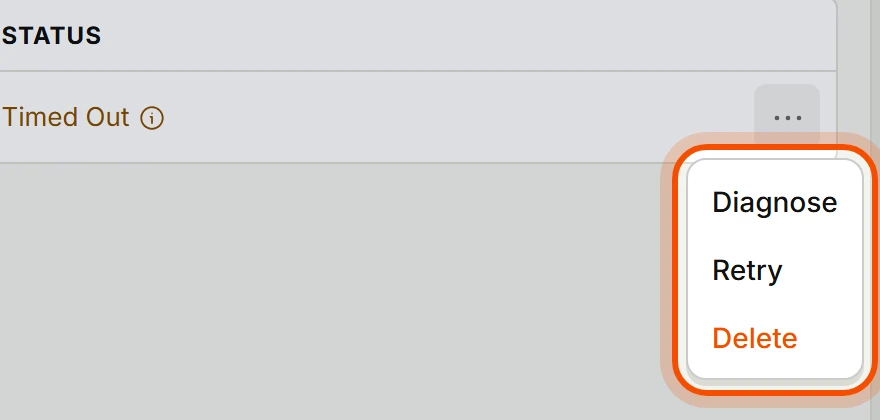
PostHog stopped waiting for your DNS record, and the status shows Timed Out. Open the … menu at the end of the row. Diagnose checks your DNS record and certificate and shows what to fix. Then click Retry, or Delete the record and add it again. Retry is also there when the status is Erroring.
Next.js: the proxy path returns 404
Check that next.config.js is in your project root, and restart your dev server after changing it. Keep the static and array rules before the catch-all. If you have a middleware file, make sure its matcher leaves out your proxy path.
Next.js: 503 or 400 errors
Some hosts, such as Heroku and Netlify, change headers during rewrites. PostHog's docs suggest using Next.js proxy (middleware) instead of rewrites, a platform proxy such as Netlify redirects, or hosting on Vercel or your own server.
401 errors or "No project token provided"
This usually means a region mismatch. The PostHog domains in your rewrites or Worker must match your project's region: us or eu. Some hosts also strip the request body during rewrites; in that case, use Next.js proxy (middleware) instead.
Some users are still blocked
DNS-level blockers such as NextDNS or Pi-hole can follow your subdomain's CNAME to PostHog and block it. For the small number of users who run these, a reverse proxy may not fully get past the blocking.