Feature flags: conditions, rollouts and stopping flicker
Set up your flag so the right people get it, it stays the same through login, and the page never flashes the wrong version first.
Is your flag false for everyone?
Every new flag starts at 0% rollout, so it's false for everyone until you raise it. And when a flag isn't Enabled, all SDKs return false without checking release conditions. Here's how to set one up that reaches the right people.
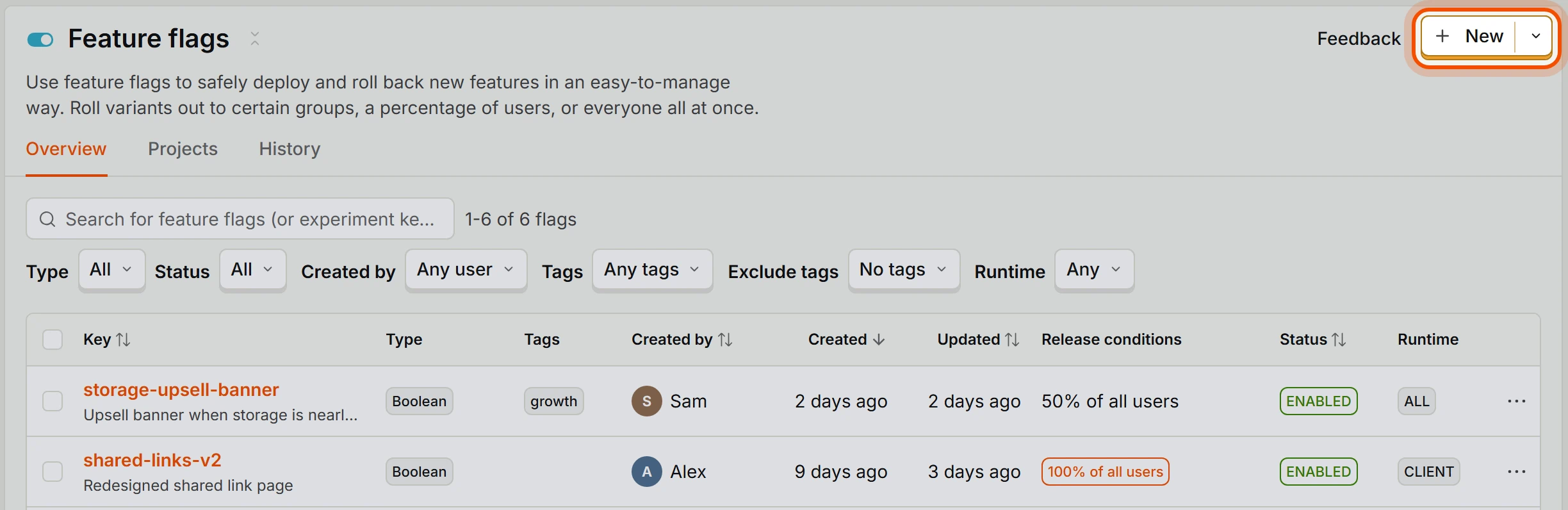
Open Feature flags and click New.
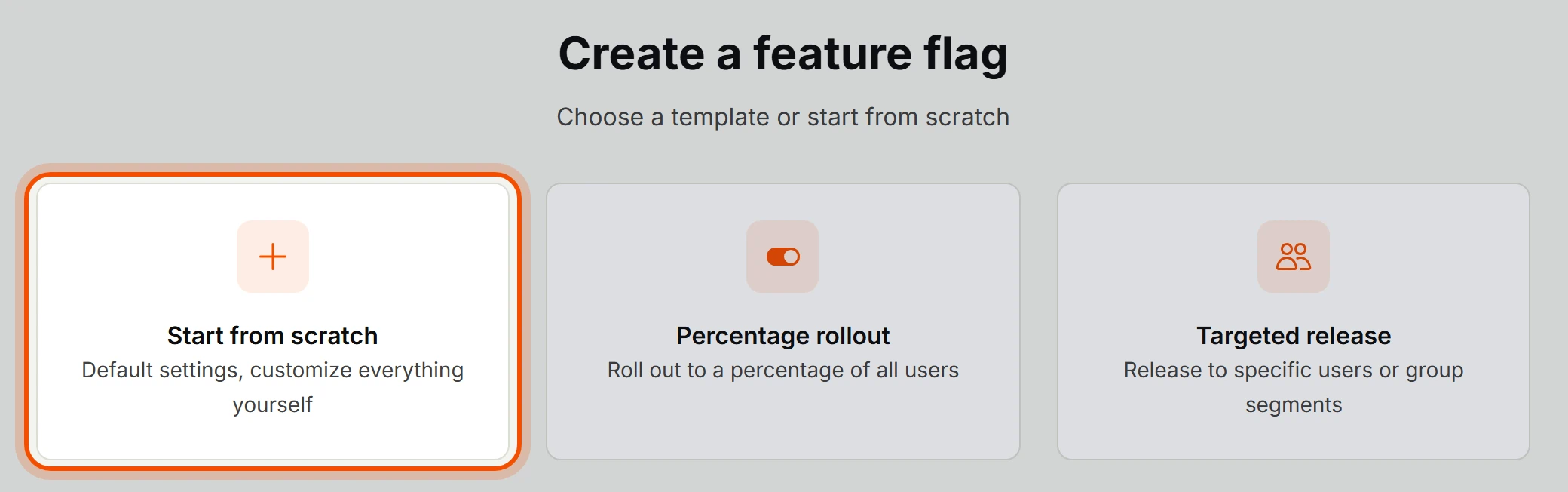
Click Start from scratch.
Type
new-share-dialogin Flag key.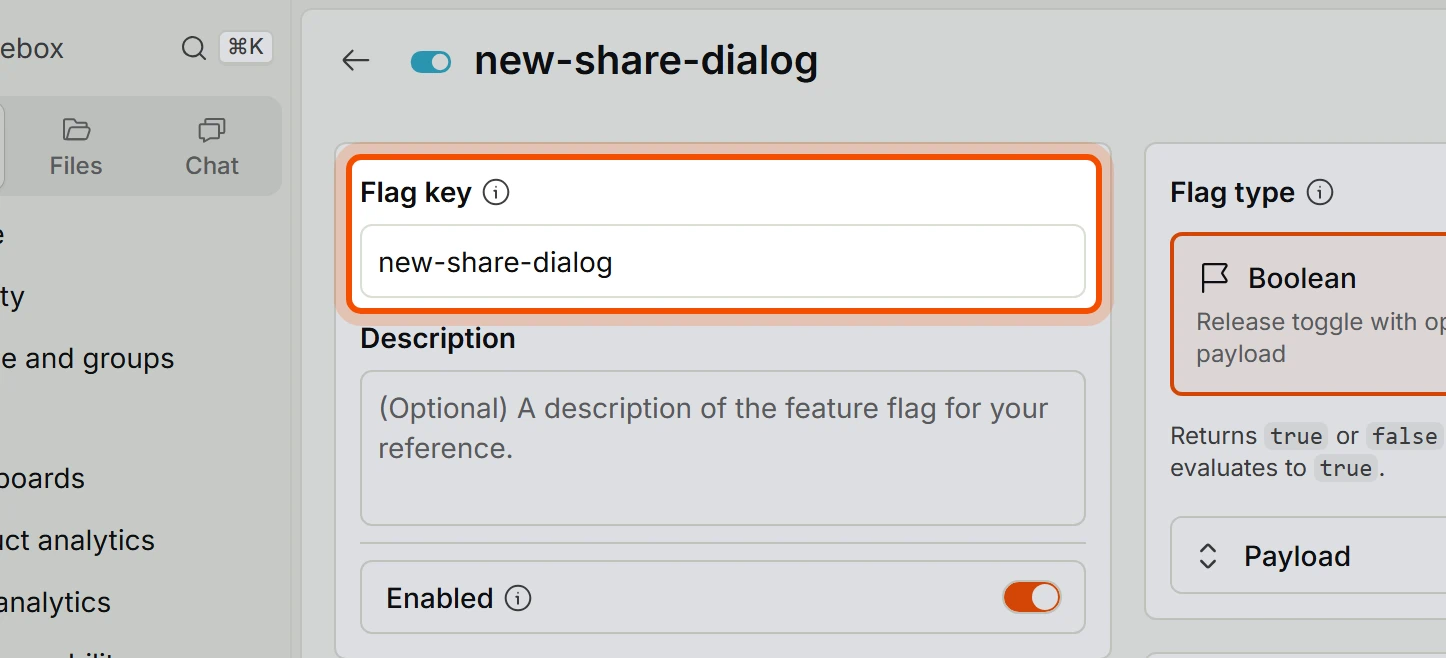
Under Flag type, keep Boolean. It's a simple on/off flag.
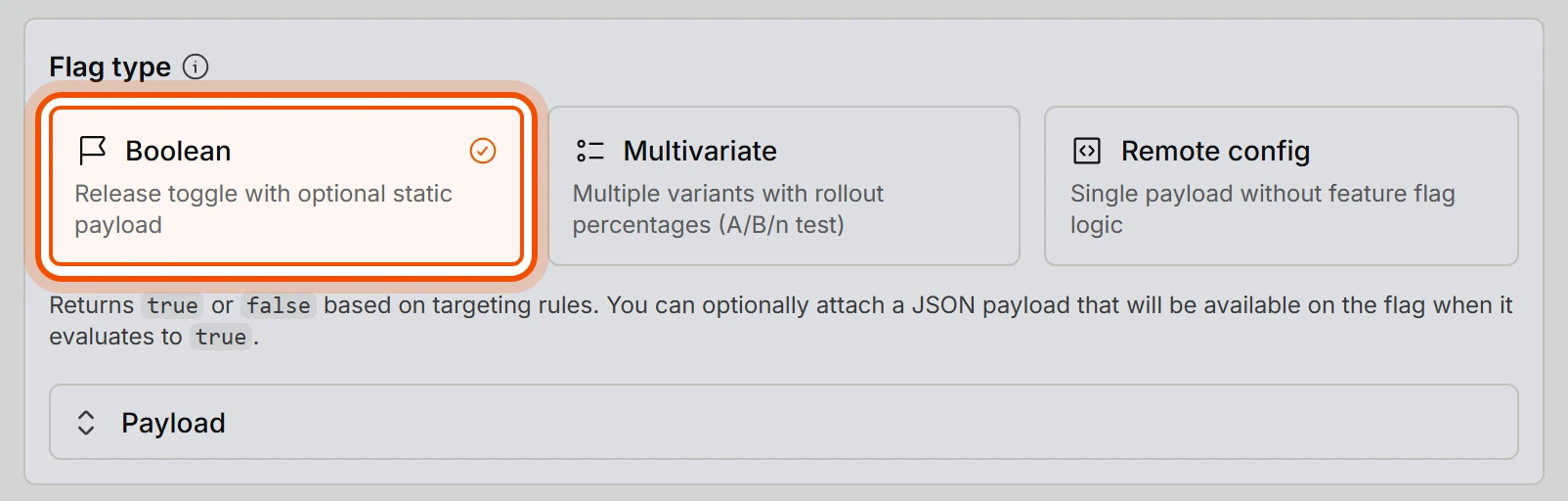
Boolean: a release toggle with an optional static payload.
Multivariate: several variants, each with a rollout percentage, for A/B/n tests.
Remote config: a single payload without feature flag logic, so it has no release conditions.
In Release conditions, add an Email address filter that contains
@hedgebox.net, and set Rollout percentage to 100%.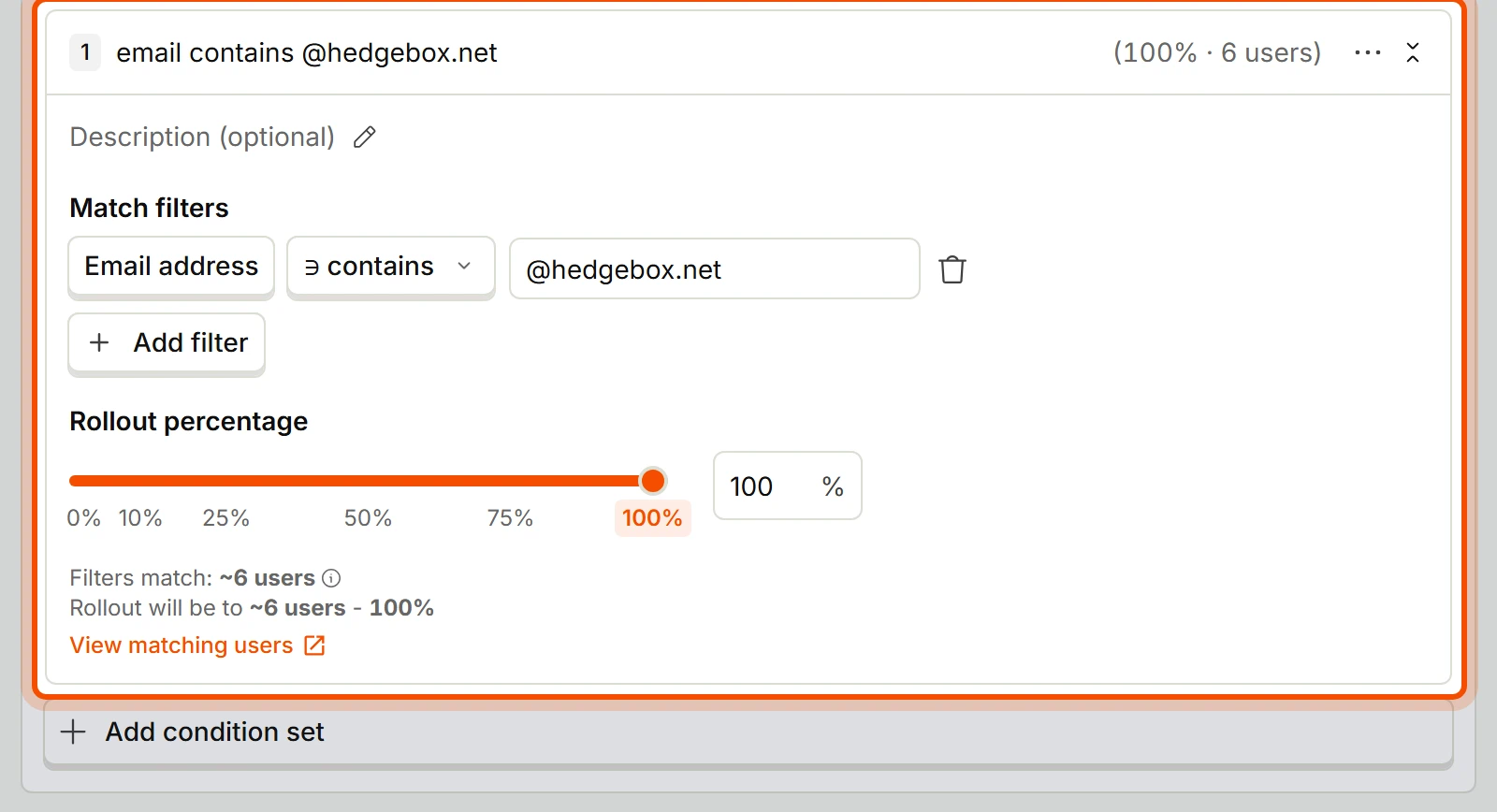
A condition set matches when all its filters pass and the person falls within its rollout percentage.
Click Add condition set, leave the new set without filters and set its rollout to 20%.
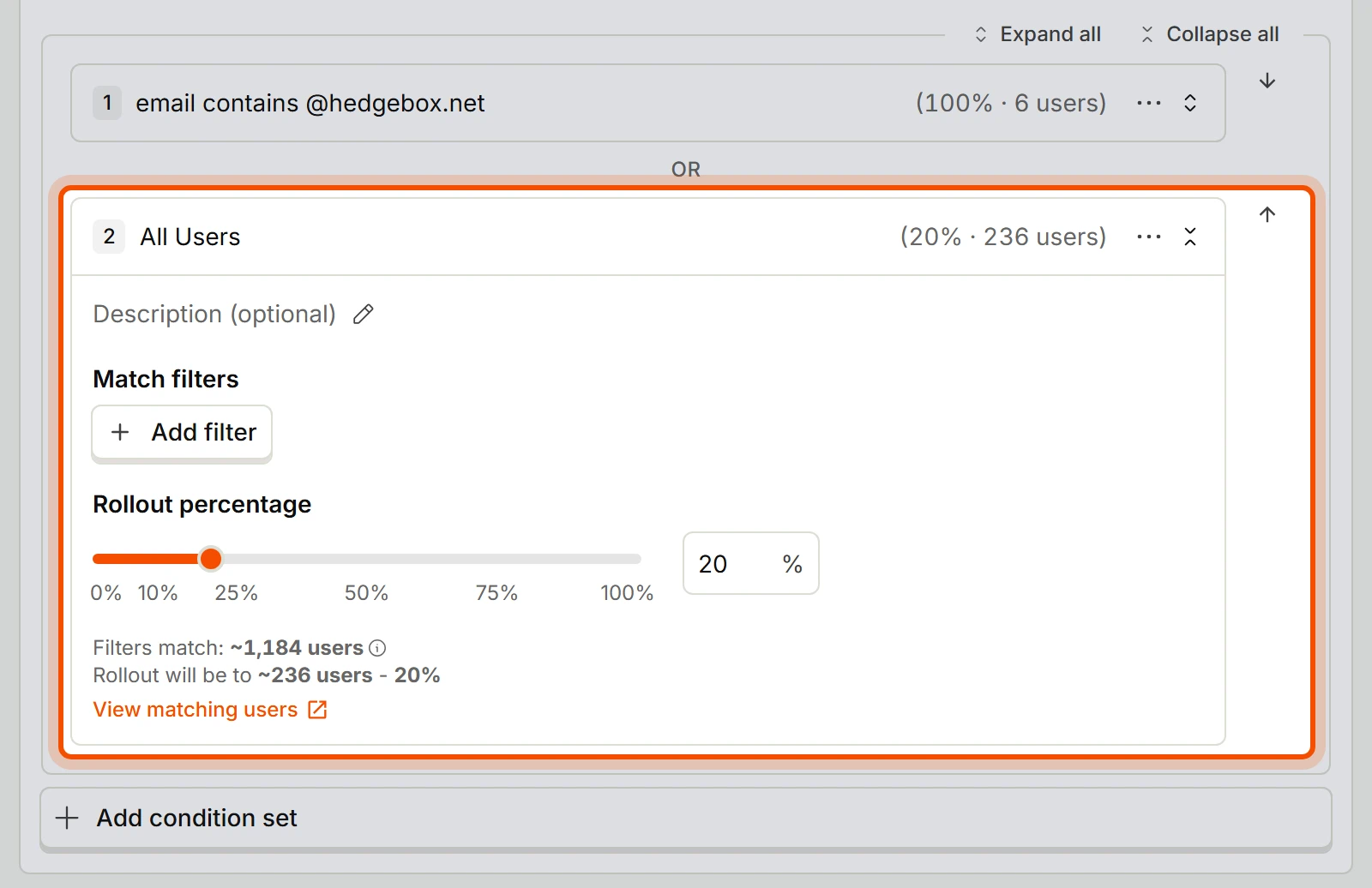
Condition sets are joined with OR. PostHog checks them from top to bottom and the first one that matches wins. Keep the team set first: a set for everyone at 100% at the top would mean the sets under it are never reached.
Optional: open Advanced options and, under Persistence, turn on Persist flag across authentication steps. This keeps flag values the same before and after login. It needs anonymous user profiles.
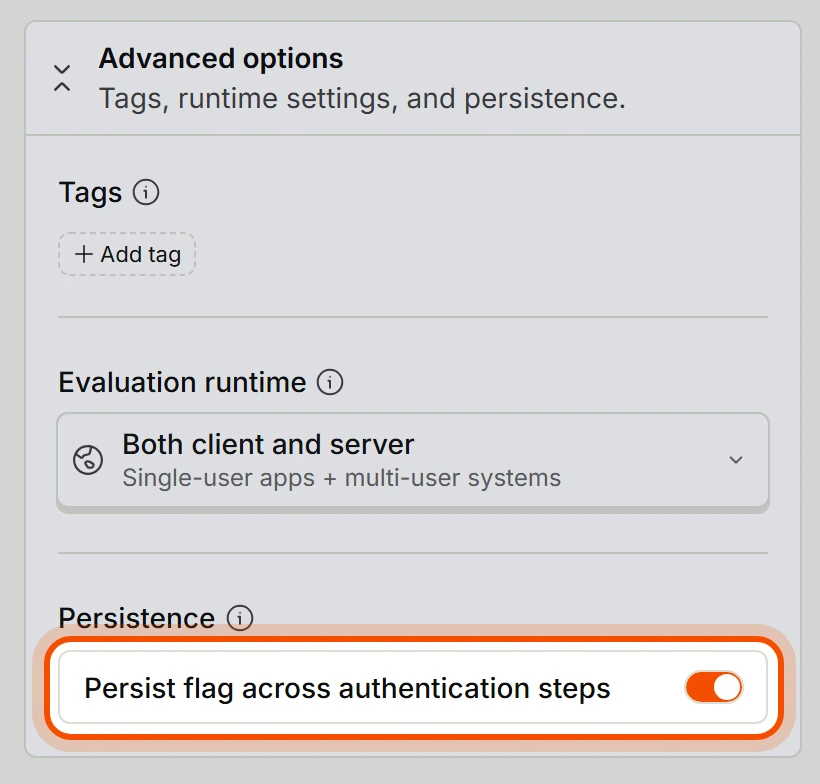
Skip this step if you'll bootstrap the flag or evaluate it locally (both are explained below). Neither works on a flag that persists.
Click Save.
Stop the flicker
When the page loads, the SDK fetches flags from PostHog. That takes about 100–500 ms, and during that time the flag is off. So the page shows the off version first, then switches. The fix is bootstrapping: send the flag values with the page, so the SDK has them from the start.
If you turned on persistence in step 7, turn it off first. Then, on the flag, click Show implementation to open the Implementation panel, keep JavaScript, and tick Show bootstrap option.
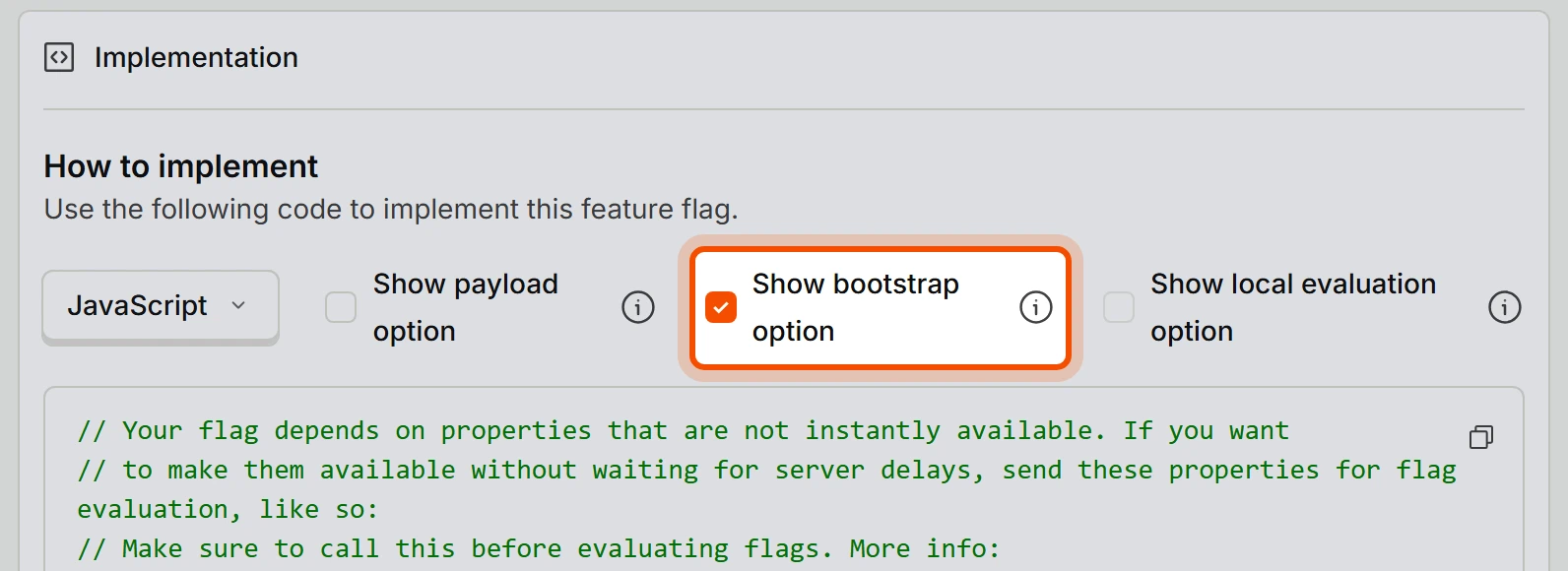
The option is only available for JavaScript and React Native, and only when the flag doesn't persist across authentication steps.
On your server, get the user's flag values with
getAllFlags(distinctId)and add them to the page.Pass them to
posthog.initasbootstrap, using the same distinct ID your server used.
posthog.init('<ph_project_token>', {
api_host: '<ph_client_api_host>',
bootstrap: {
distinctID: 'distinct_id_used_on_the_server',
isIdentifiedID: true,
featureFlags: serverEvaluatedFlags,
},
})
Bootstrapping only seeds flags that are on: true, or a variant name for a multivariate flag. The SDK drops false and empty values.
Can't bootstrap? Hide the element until flags have loaded, then show it from inside posthog.onFeatureFlags().
On a server: local evaluation
A server SDK with a secret API key can download your flag definitions and evaluate them itself, with no network call for each check. It fetches the definitions again every 30 seconds.
In Node, pass your key as
secretKey(version 5.40.0 and later; earlier versions call itpersonalApiKey). Use a key from Project secret API keys in your project settings.Until the first fetch finishes, flags return
undefined, so give a fallback value.Local evaluation doesn't work for flags with persistence turned on, flags that use static cohorts, or filters that use
is_not_set.In the app, Show implementation has a Show local evaluation option for Node.js, Python, Ruby, PHP, Go and C#/.NET.
Common problems
My flag returns false for everyone. Check the rollout percentage: new flags start at 0%, so raise it. Check that the flag is enabled. If both are fine, you may be reading the flag before flags have loaded: read it inside posthog.onFeatureFlags().
Show bootstrap option is greyed out. The flag persists across authentication steps, or the library you chose isn't JavaScript or React Native. Turn persistence off, or pick one of those two libraries.
The flag still flickers after bootstrapping. The distinct ID on the server and in the browser must be the same. If they differ, the browser can get a different value when it fetches flags. Also check what you sent: a false or empty value is dropped, so the SDK waits for PostHog as before.
The value changes after login. Turn on Persist flag across authentication steps in Advanced options. Remember that the flag then can't be bootstrapped or evaluated locally.
Watch it
Prefer to watch? The video Feature flags: conditions, rollouts and payloads (4:08) covers the same ground.
0:00 Create a flag
0:29 The basics
1:10 Who gets it
1:59 Combining condition sets
2:31 Variants and payloads
3:13 Stable across login